Start with your music.
Connect Apple Music and bring your library into Outgrown. No new account to create.
YOUR APPLE MUSIC. A FRESH START.
Keep what you love. Remove what you’ve outgrown. Find your next listen in the music you already have.
Made for iPhone · iOS 16+
Apple Music access required.
YOUR LIBRARY. YOUR CALL.
LESS SKIPPING. MORE YOU.
Sort a little faster. Or just listen and decide as you go.
Connect Apple Music and bring your library into Outgrown. No new account to create.
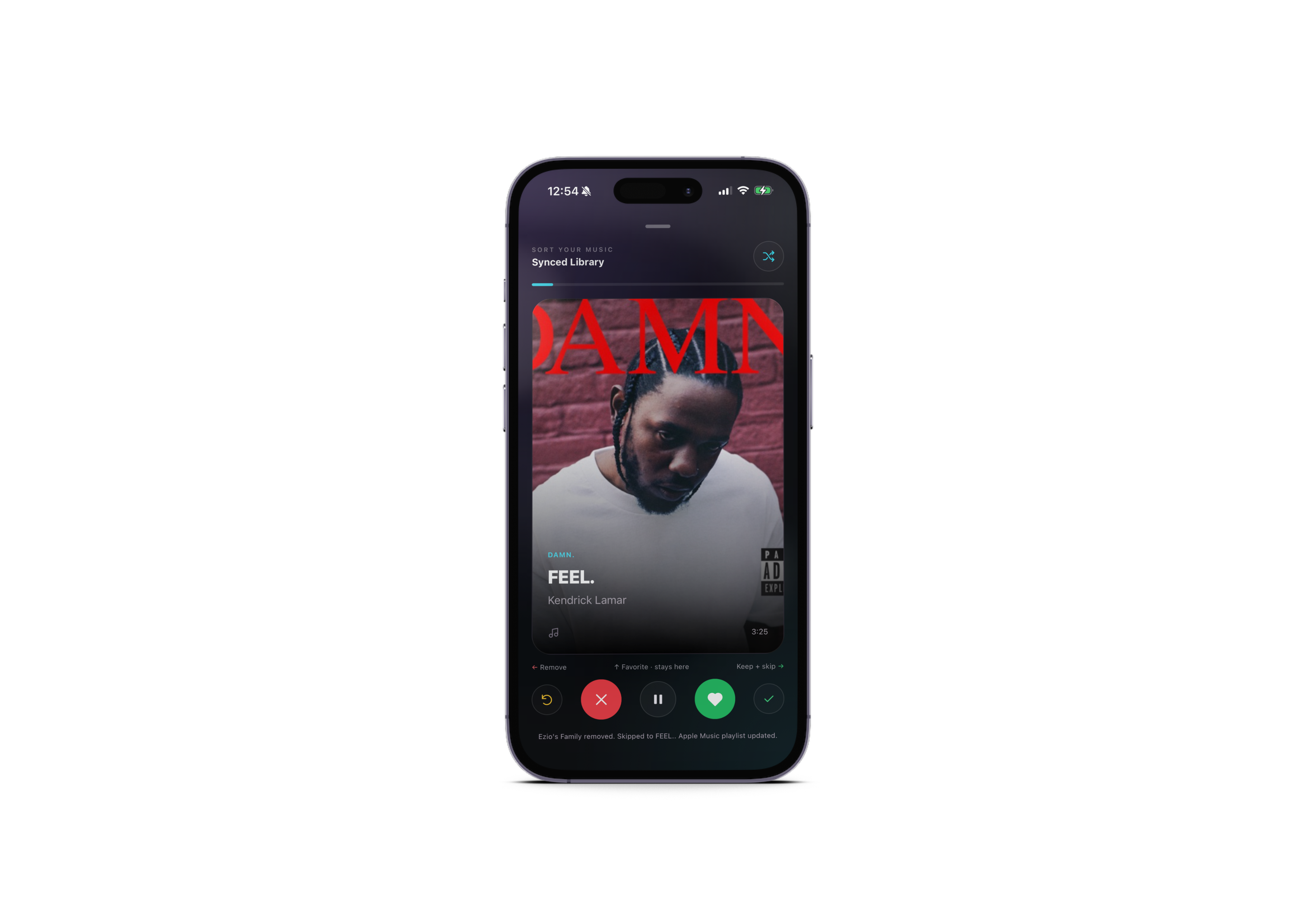
Swipe left to remove. Right to keep and skip. Up to favorite without changing the song.
Use the player to listen to your library, with removed songs left out of your Outgrown rotation.
Removed songs stay in your Apple Music library. Review your choices and add songs back anytime. Outgrown mirrors removals and favorites to dedicated Apple Music playlists when sync succeeds.
A few helpful answers